
Keepsake
A bright, playful storefront for independent gift shops: chunky outlines, a raspberry and mustard palette, gift guides by collection and room for the little extras.
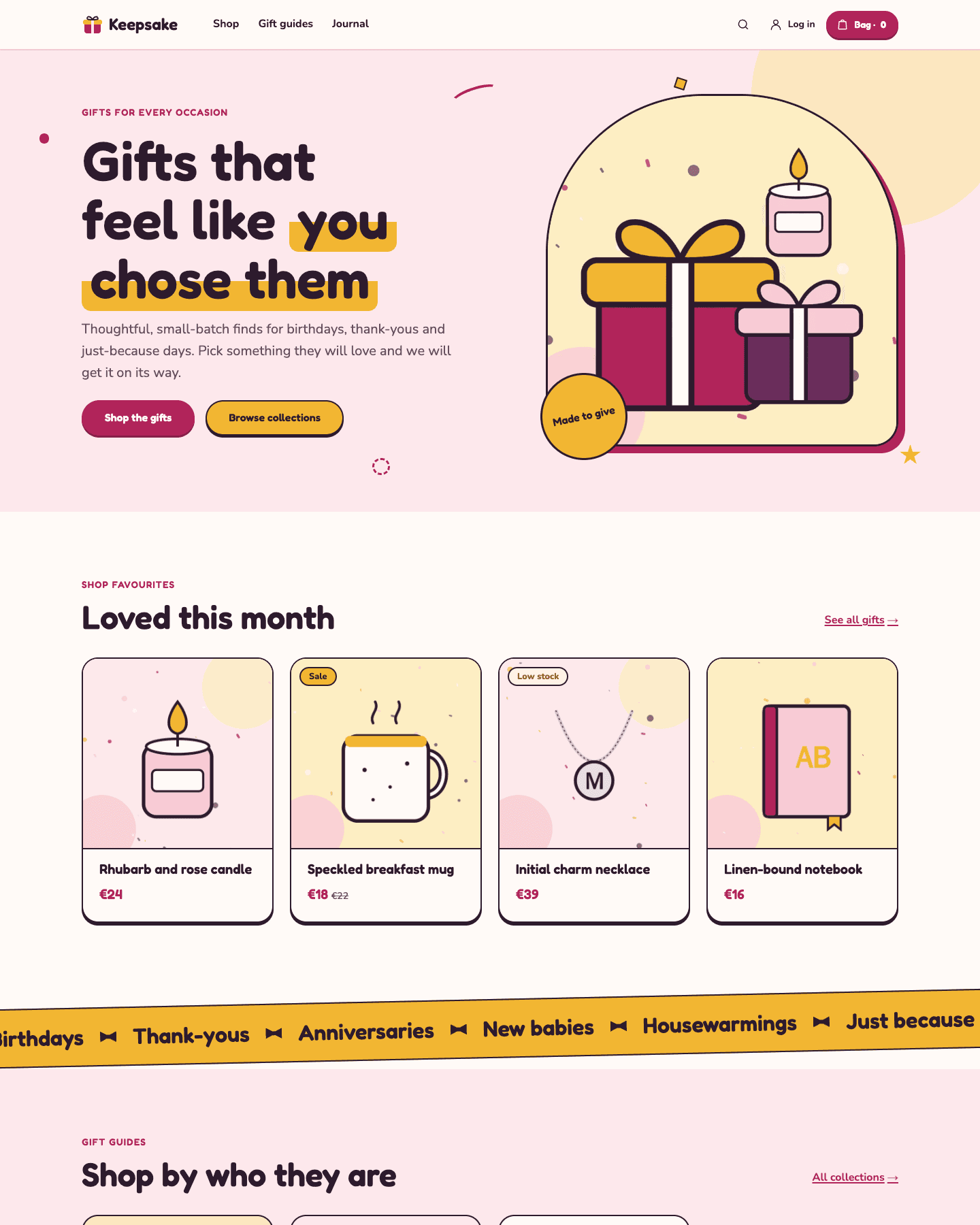
In the theme editor
What you can change
Everything below is edited in the theme editor, without a developer. Changes stay a draft until you publish.
- Pages
- 11
- Sections
- 21
- Fields
- 112
Pages you can edit
Design settings for the whole store
How to use it
Open your store with Keepsake
Start your store
Sign up and your store opens at its own onshopemaa.com address, with SSL.
Pick Keepsake
In the dashboard, open Sales channels › Themes and choose Keepsake. You can switch whenever you like.
Make it yours and publish
Fill in your words, pictures and colours in the theme editor, then publish with one click.
More themes
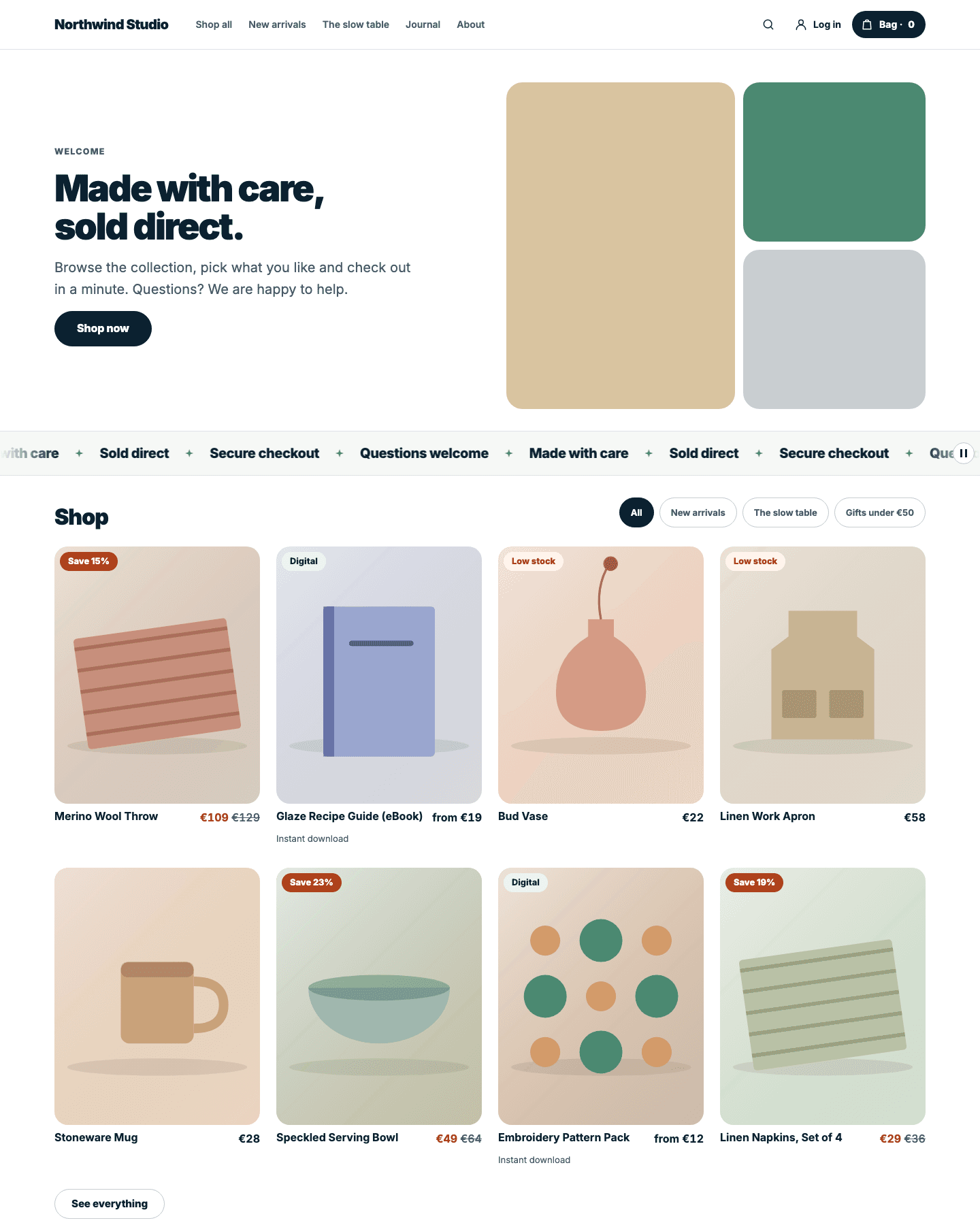
Shopemaa
The default Shopemaa storefront: a calm, fast shop for physical and digital products, with guest checkout, customer accounts and downloads.
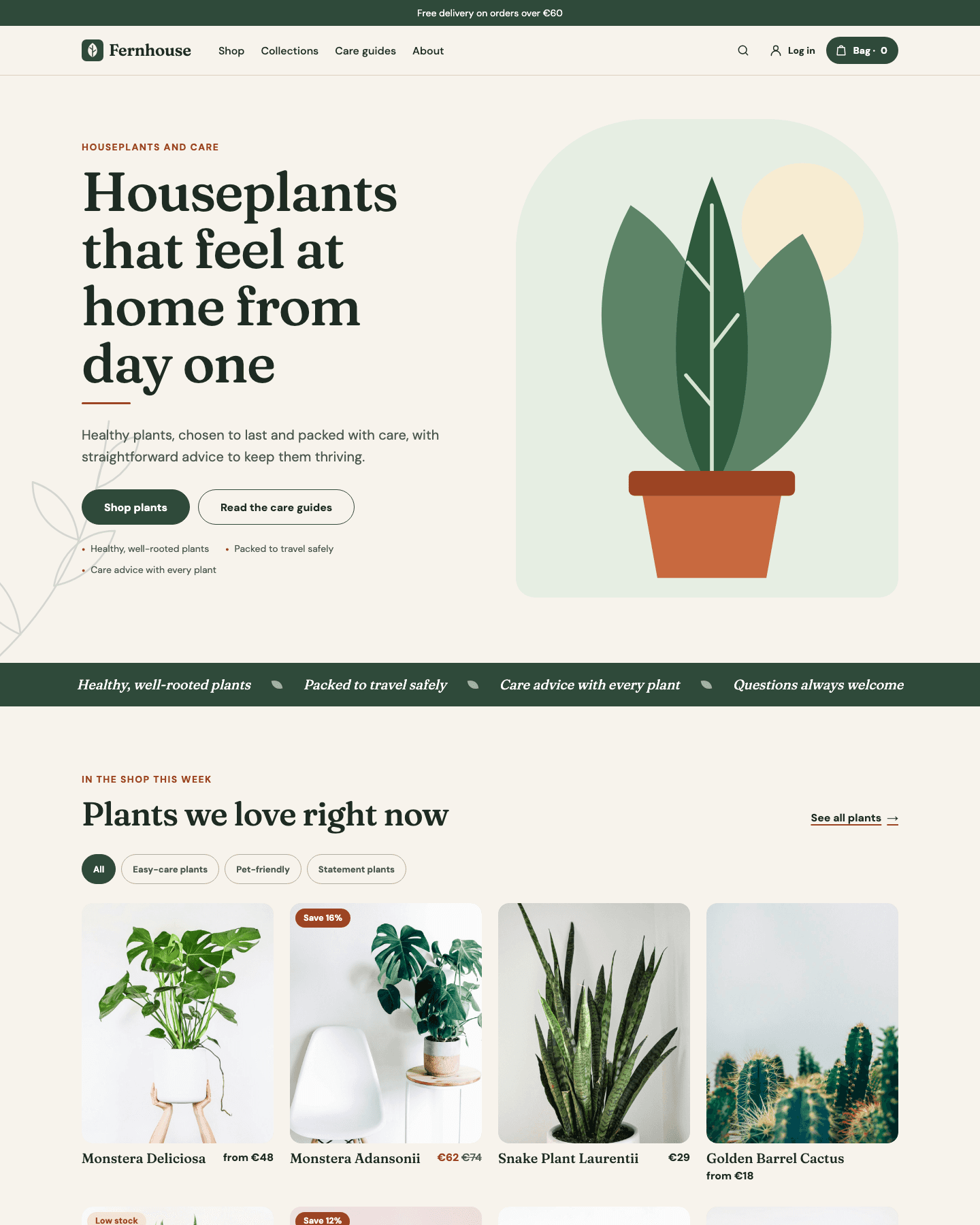
Fernhouse
A warm, botanical storefront for independent plant shops: linen and fern green, an arched hero, numbered promises and care guides alongside the catalogue.
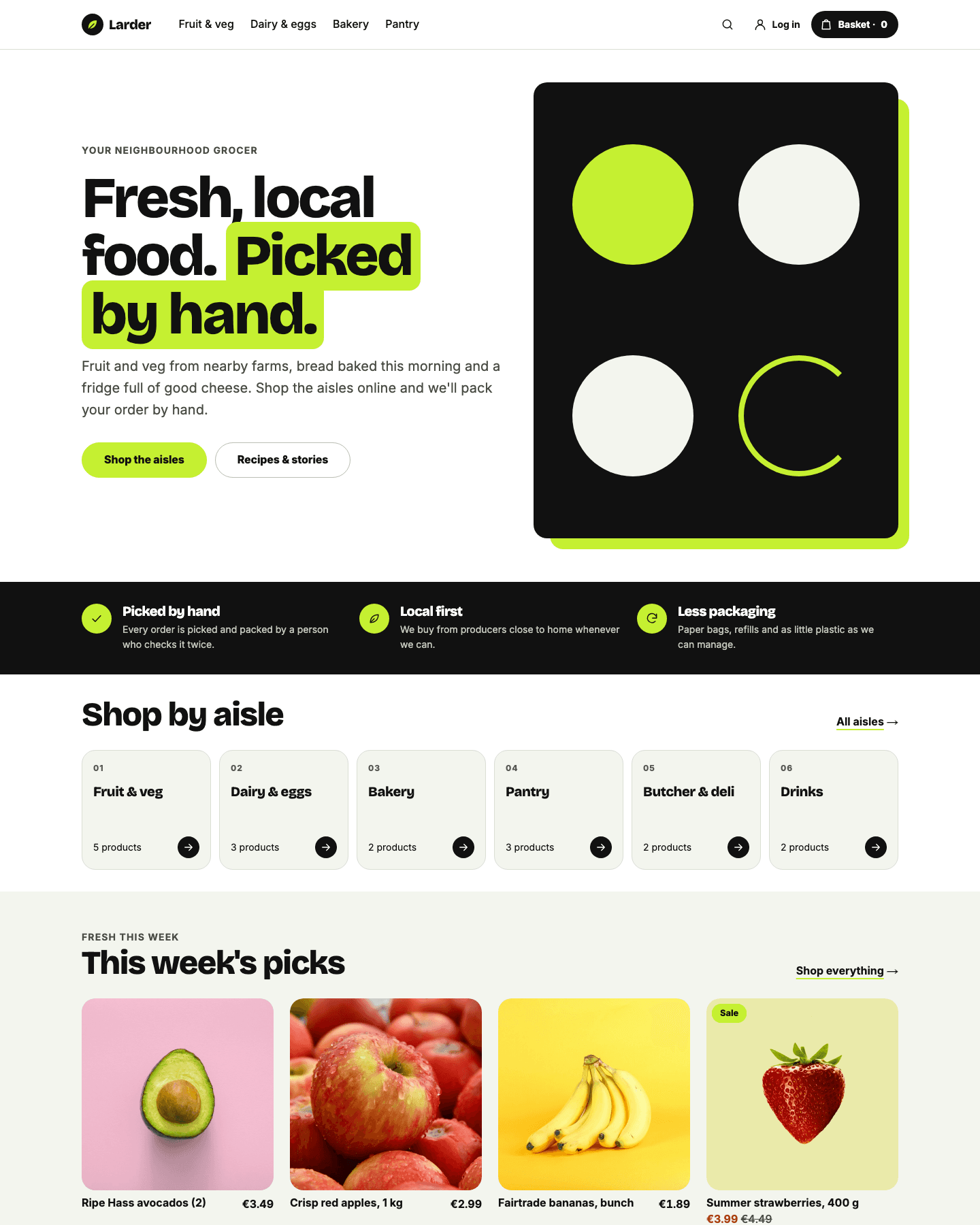
Larder
A bright, friendly grocery storefront for independent food shops, delis and farm stores: shop-by-aisle tiles, weekly picks, a delivery panel and a journal for recipes, in black, white and citrus green.
Open your store with Keepsake today
14 days free, no card needed. No commission on orders.